Know what your product costs to make
Before you talk to a factory. Pilotrun turns your prototype into a costed plan: what each unit costs at any quantity, the tooling you pay up front, the cash your first run needs, and requests suppliers can quote on. Start from 3D files, photos, or a few sentences.

Drag the quantity
Watch the cheapest way to make a part change, and see the tooling you'd pay for it.
Loading the calculator…
Three steps from prototype to a plan
A first pass takes minutes, not weeks of emails.
-
1
Add your parts
Drop in STEP, STL, OBJ or 3MF files. Assemblies split into named parts, copies are counted and screws go to hardware. No CAD yet? Describe the shape, or add photos and a description for a drafted parts list you check line by line.
-
2
See the cost at any quantity
Every custom part is priced across 3D printing, casting, CNC and molding. Electronics, boards, assembly, packaging, duty and freight come from built-in ranges. Change the run size and everything updates.
-
3
Get quotes and track them
Send suppliers requests that ask everyone the same questions. Record each quote on its line: Pilotrun says whether it's typical and why it might not be, and the one you choose replaces the estimate.
Everything that goes into the product
Not just the parts you designed.
- Parts
Every part in one space
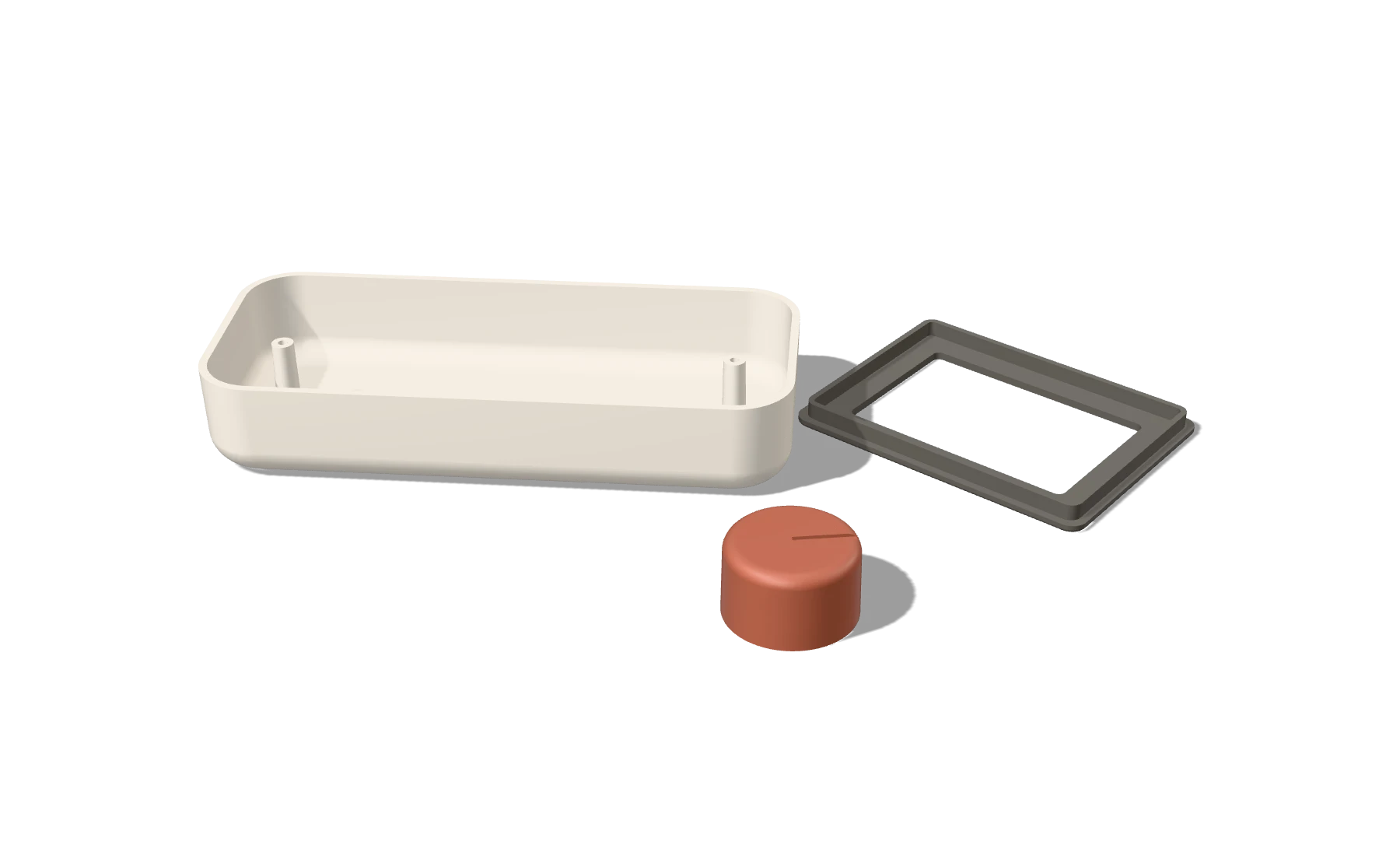
Tiles, a flat lay, or the assembly as modeled with an exploded view. Click a part to check its walls, draft and undercuts.
- Electronics
Boards and components
A library of module, battery, sensor and connector types with price ranges, plus board estimates from size, layers and parts placed.
- Forgotten costs
The costs first products miss
Certification (FCC, CE, battery shipping tests), packaging, assembly time, test fixtures, import duty and freight, suggested from your parts list.
- Money
Price, margin and cash
Landed cost per unit, one-time costs, the cash your first run needs, and the margin at your retail price for your sales channel.
- Quotes
Quotes that become your budget
Record quotes as they arrive. Outliers are flagged with the usual reasons, and every figure backed by a real quote is highlighted so you can see how firm your total is.
- Part lab
One part, in depth
Compare processes for one part, see what to fix before tooling, find cost levers, and export a production brief for suppliers.
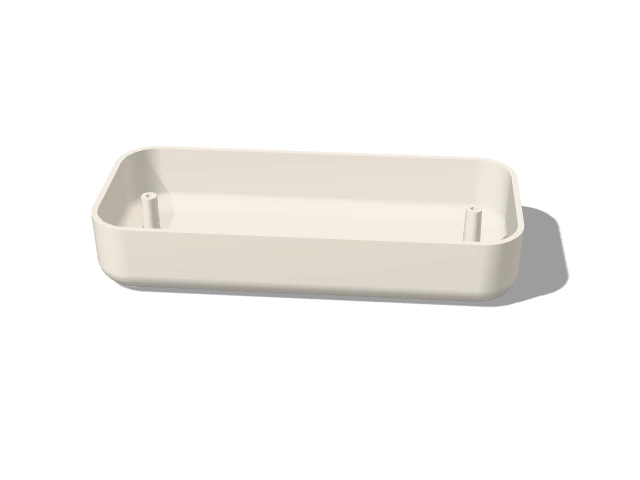 P01
P01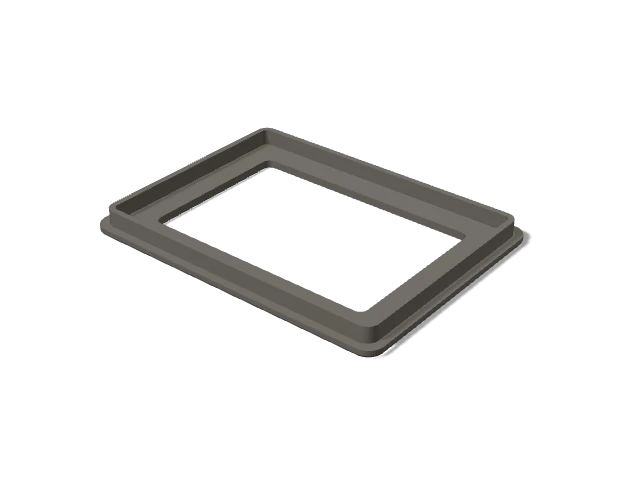 P02
P02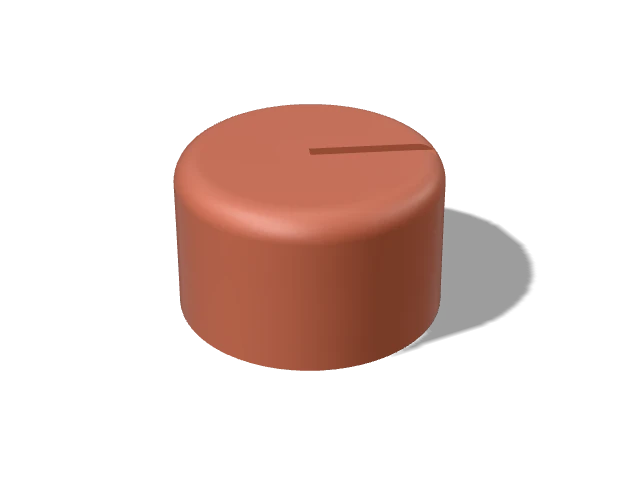 P03
P03Ask every supplier the same thing
Then the replies are comparable.
Quotes for the same part often land far apart, because each supplier assumes something different: tool life, cavities, finish, what's included. Pilotrun writes one request per supplier type, for molders, board houses and final assembly, with the specs they all need and the questions that expose hidden costs.
Write your first requestCustom parts
Please price at 500, 1,000, 2,000 units.

P01  Front shell
  Size: about 151 × 63 × 20 mm; main wall about 2.0 mm
  Proposed process: Injection molding, aluminum tool
  Material: ABS
  For molds: please state tool material and
  guaranteed shot life, cavities, side actions,
  texture, and how many T1 samples are included.

PLEASE INCLUDE IN YOUR REPLY
- Tooling and setup, listed separately.
- Minimum order and lead time.
- What the price excludes.
From the estimate to the production run
For founders, studios and ops leads who answer for the number.
- Cash flow
When the money goes out
Tooling deposits, production deposits and balances, duty and certification, week by week, with the peak cash need and the funding to raise.
- Cost-down
A target cost, and how to reach it
Every change that could close the gap, ranked in dollars over the run, and the quotes that would firm up the total most.
- Suppliers
Who has which request
Log each request as you send it, see who's late, and compare the bids that come back side by side.
- Build plan
EVT, DVT, PVT, then production
Each test build priced with the methods it would really use, and what should be true before the next one.
- After launch
Reorders and tool wear
Reorders sized to a sales forecast, worn molds replaced in the run that needs them, and when one steel tool beats several aluminum ones.
- Output
A report and a workbook
Save versions as Rev A, B and C, then share a client-ready cost report or an Excel workbook with numbers as numbers.
Neutral by design
The estimates work for you, not for a factory.
No paid placement
No supplier pays to rank higher. If referral links ever appear, they'll be labeled and won't change a single estimate.
Ranges, with reasons
Every number is a low–typical–high range from editable rates. A built-in page explains what each one is made of.
Your files stay with you
3D files are analyzed in your browser and never uploaded. Projects are saved on your device.
AI drafts, you decide
Photo drafting suggests parts from a fixed library. Prices always come from the data, and nothing enters your project until you confirm it.
Made for the first 100 to 10,000 units
The stretch where most first products get their numbers wrong.
- Inventors and first-time foundersKnow the cost and the cash you need before pitching, pricing or ordering.
- Product designers and studiosCost a client's product while it's still easy to change.
- Makers scaling up from printingSee when molding starts to beat your print farm, and what to change first.
- Students and teachersSee how quantity, process and design choices drive what a product costs.
The questions everyone asks
Answered with live numbers.
Questions
Is it free?
Yes, with no account needed. Estimating stays free. Paid plans may come later for the tools that run a production program, such as cash flow, supplier tracking and client reports. During early access everything is open.
Are my files uploaded anywhere?
No. 3D files are read and analyzed in your browser, and projects are saved on your device. The only thing that leaves your browser is what you choose to send to "draft from photos": the photos and text you add.
How accurate are the estimates?
They're planning estimates, shown as ranges, built from typical rates you can see and change. The rates are checked against real quotes: at the last check, 87% of estimates for made parts and boards came within ±40% of 70 quotes from 7 online manufacturers. That's good for comparing options and planning cash before you have quotes. Real quotes depend on your exact design and supplier, so record them in Pilotrun as they arrive and they replace the estimates.
Which files can I use?
STEP and IGES (including whole assemblies), STL, OBJ and 3MF, in millimeters. No files yet? Describe each part's shape and size, or start from photos and a description.
Does it replace getting quotes?
No, it gets you ready for them. You'll know what's reasonable before you ask, send suppliers a request they can answer consistently, and spot a quote that's off.
What does it not cover?
It doesn't design parts or circuit boards, place orders, or know a specific supplier's prices. It works from your files and descriptions, typical market rates, and the quotes you enter.
Your prototype works
Find out what it takes to make a thousand of them.
Open Pilotrun